DM50CALCULATOR
> HP-inspired scientific calculator for iOS,
Android, Windows, macOS & Linux.
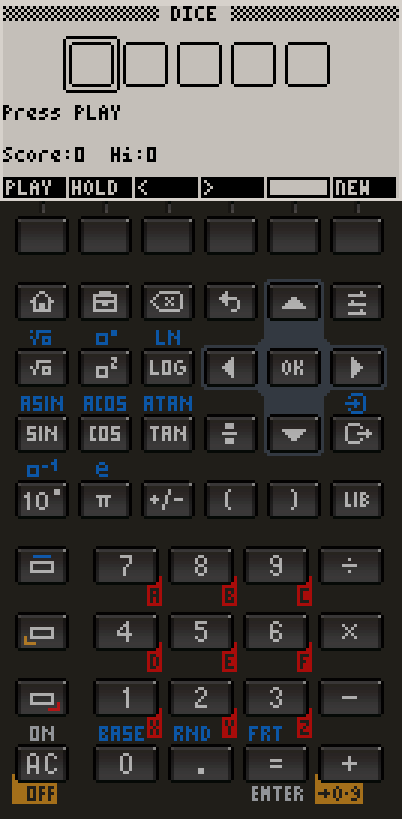
> Authentic 132×64 monochrome LCD display.
> RPN stack, CAS algebra, matrices, vectors.
> No internet. No subscription. Just math.
> App Store: one Universal Purchase unlocks iPhone, iPad & Mac.
> Windows: available on the Microsoft Store.
> Other Linux distros: portable binary (no apt, requires libSDL2).
What's inside
the DM50?
RPN Stack
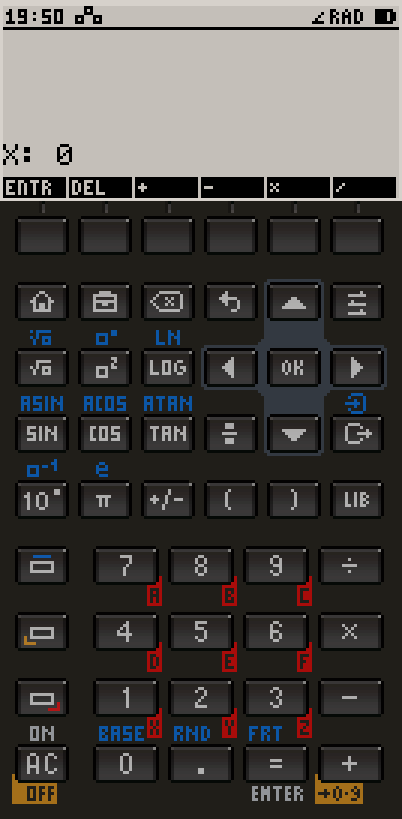
Reverse Polish Notation with a 4-level live stack. Enter numbers then operators — no parentheses needed. The way real engineers compute.
CAS Algebra
Computer Algebra System powered by GMP/MPFR. Solve equations symbolically, factor polynomials, simplify expressions exactly.
Matrices
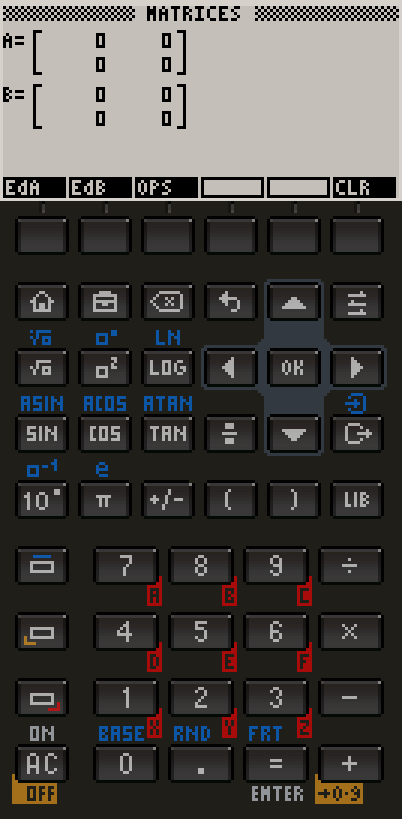
Full matrix editor for up to 4×4 matrices. Determinant, transpose, inverse, multiply. Results displayed in an interactive grid.
Base Conversion
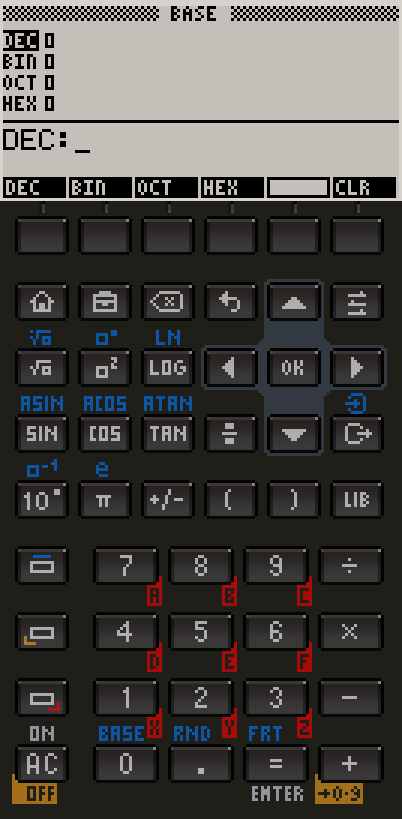
Type a 16-bit value in any base and see it instantly in decimal, binary, octal and hexadecimal — all four shown at once, live.
Unit Converter
Length, mass, temperature, volume and speed. Pick a source and target unit and convert instantly — from millimetres to nautical miles.
Triangle Solver
Give it any 3 known sides or angles and it solves the rest — law of sines and cosines under the hood, plus instant area and perimeter.
Date Calculator
Find the day of the week for any date, and the exact number of days between two dates. Accurate Gregorian calendar math.
Undo / Redo
Made a mistake? Hold BLUE and press Backspace to undo your last entry in CAS or RPN — press it again to redo.
Formula Library
A pixel-art library of classic equations by category, each with its own hand-drawn diagram. One tap inserts it into your calculation.
Equation Solver
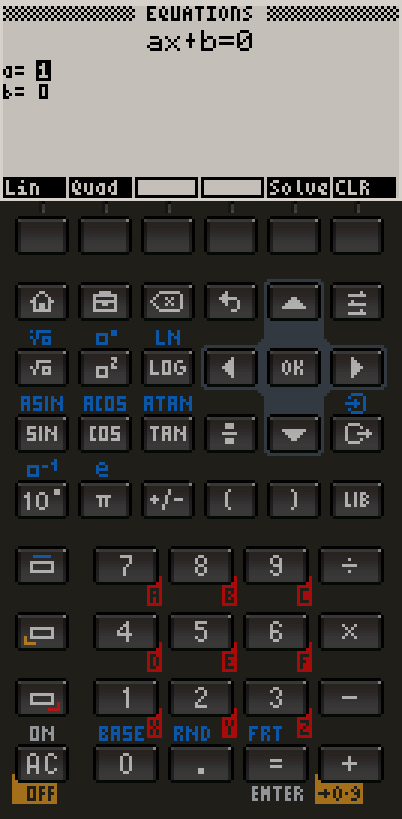
Solve 2×2 and 3×3 systems of linear equations. Enter coefficients in a clean matrix form and get exact or decimal solutions.
Complex Numbers
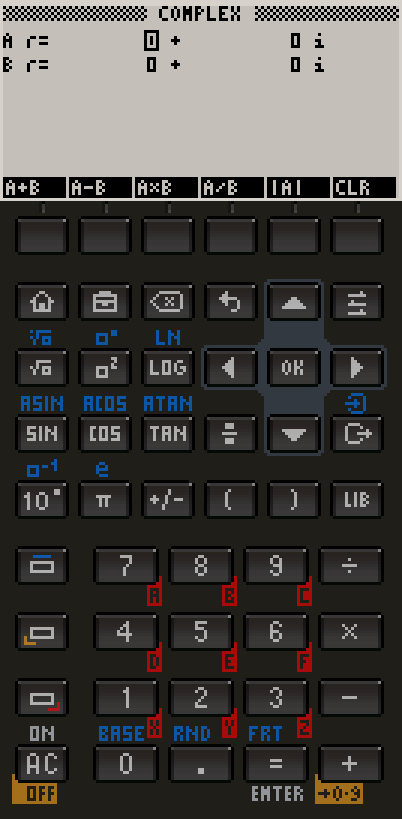
Full arithmetic in the complex plane: add, subtract, multiply, divide. Displays both rectangular (a+bi) and polar form.
Vectors
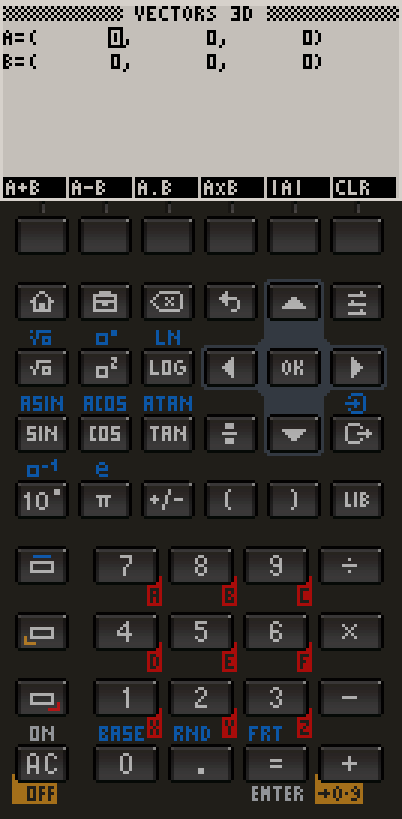
Vector arithmetic in 2D and 3D: dot product, cross product, magnitude, normalise. Ideal for physics and engineering problems.
Constants Library
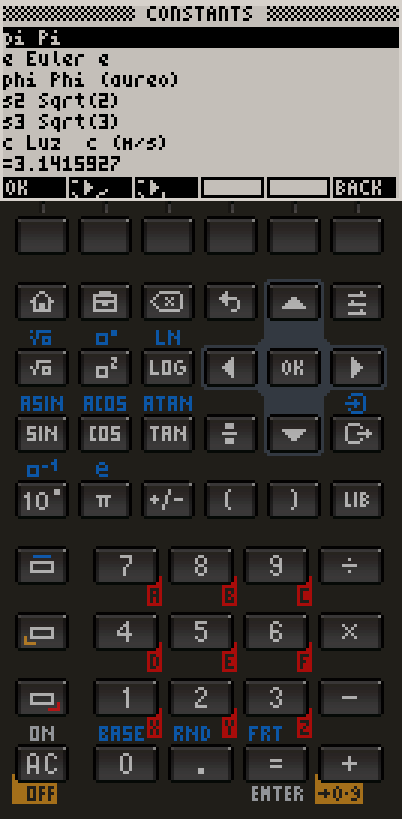
One-tap access to 20+ physical and mathematical constants: speed of light, Planck constant, Avogadro, π, e and many more.
LCD Display
Authentic 132×64 monochrome LCD rendered at 3× for crisp detail. Every pixel replicates the feel of the original HP hardware.
See it in action
on every device
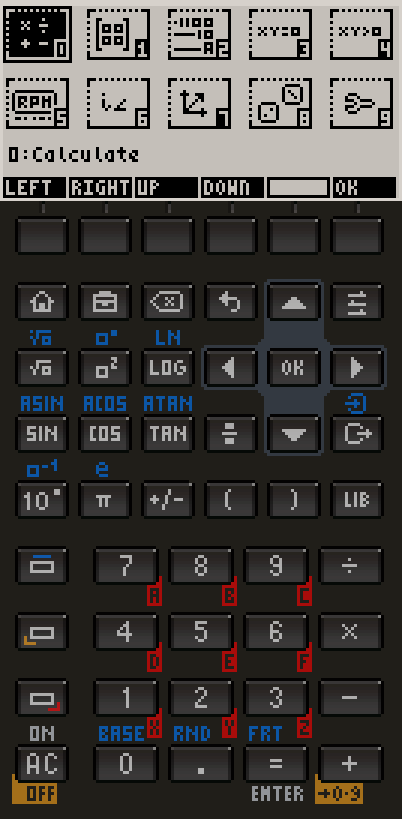
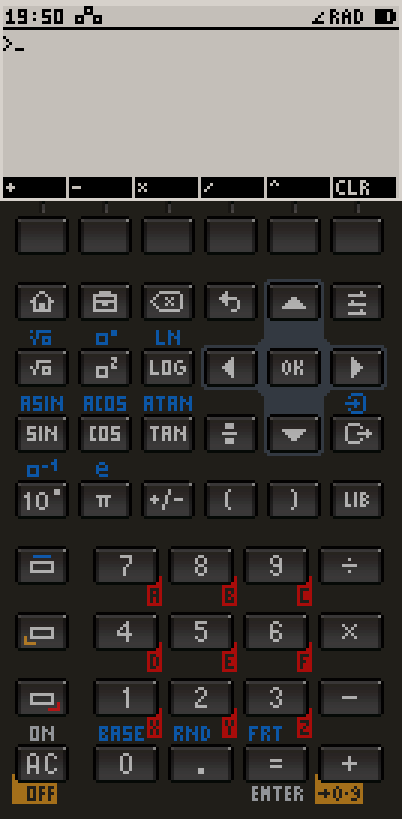
How to use
each mode
> Select a section below to expand its instructions.
Reverse Polish Notation (RPN) eliminates parentheses by placing operators after operands. Instead of typing "3 + 4", you type "3 ENTER 4 +" — the stack handles grouping automatically.
The display shows 4 registers: X (bottom, active), Y, Z, T. When you press ENTER, X is pushed up and duplicated. Most operations consume X and Y and push the result back to X.
Enter the first number → ENTER → enter the second number → press operator (+, −, ×, ÷). Example: to compute 15 ÷ 3, press: 1 5 ENTER 3 ÷ → result 5 appears in X.
Pushes the current X value onto the stack and lifts the stack. Press ENTER after the first operand to "hold" it while typing the second.
Changes the sign of the X register. Useful for entering negative numbers without needing a separate minus key.
SIN, COS, TAN, LOG, √, x², 10^x all operate directly on X. To compute sin(45°): enter 4 5 SIN. The result replaces X.
BACK returns to the previous mode. AC clears X and resets the current mode state — useful to start a fresh calculation.
Undo your last entry or operation. Press it again to redo — it toggles between the current state and the one before it.
What engineers
are saying
"I've been using HP calculators since university. DM50 nails the feel — RPN stack, key layout, even the LCD font. Best software calculator I've ever used."
"The CAS engine is genuinely impressive. I solve symbolic integrals on my phone during lectures. No internet required, no subscriptions, just works."
"Matrix inversion with 4×4 matrices in my pocket. The grid editor is intuitive and the results are instant. This replaced my TI-89 for fieldwork."
Your privacy
is protected
> DM50 is a fully offline, zero-telemetry application. We built it this way by design: a calculator has no business knowing anything about you.
No Data Collection
DM50 does not collect, transmit, or store any personal data. All calculations are performed entirely on your device. No user accounts, no analytics, no tracking.
No Internet Required
The app works fully offline. No network requests are made during normal use. An internet connection is only needed for the initial App Store download.
Local Storage Only
Any data saved by the app (high scores, settings) is stored locally in your device's sandboxed storage using standard platform file APIs. This data never leaves your device.
No Cookies or Trackers
The app does not use cookies, advertising identifiers (IDFA), or any third-party analytics SDKs. There is no advertising framework integrated.
No Personal Information
DM50 does not request access to contacts, location, camera, microphone, or any sensitive device capabilities. The app only uses the screen and the keyboard.
GDPR Compliance
Because no personal data is collected or processed, DM50 has no obligations under GDPR (EU 2016/679) as a data controller. There is no data to be subject to access, rectification, or erasure requests.
Data Controller: DM50 does not act as a data controller within the meaning of Article 4(7) GDPR because it does not process personal data.
Lawful Basis: Not applicable — no personal data is collected or processed.
Data Retention: No user data is stored on external servers. Locally saved files (game scores, preferences) remain on your device and can be removed at any time by deleting the app.
Third Parties: DM50 does not share data with any third parties. No advertising networks, analytics platforms, or cloud services are integrated.
Your Rights: Under GDPR you have the right to access, rectify, and erase personal data held about you. Since DM50 holds no personal data, there is nothing to access, rectify, or erase.
Contact: For any privacy-related questions, you may contact the developer through the App Store support link on the DM50 product page.
This privacy policy was last updated: 2026. It applies to DM50 across all supported platforms — iPhone, iPad and Mac (Apple App Store), Android, Windows and Linux.